Set team goals, conduct performance reviews and manage your team with one tool.
Check out Factorial
A payslip is a summary of an employee’s earnings and deductions. As an employer, payroll can often be complicated. Although the main function of payroll is to pay your employees, it is vital that you get it right and keep within the law when managing it.
In this “payslip explained” article we will give you a brief payslip breakdown so that you know what needs to be included in each employment payslip. We will also look at the best ways to manage employee payslips and share some of the benefits of using payslip software and a payslip template.
Table of Contents
- Key Facts
- Payslip Explained: What Must I Include?
- The PAYE Payslip Explained
- What is the Best Way to Manage Employee Payslips?
- Benefits of Using Software and Templates
Key Facts
- A payslip is an itemised pay statement showing gross pay, deductions, net pay and paid hours where pay varies. GOV.UK says employers must provide it on or before payday.
- The Office for National Statistics (ONS) and HM Revenue & Customs (HMRC) reported 30.3 million UK payrolled employees and median monthly pay of £2,626 in May 2026.
- HMRC can charge a penalty of up to £3,000 where PAYE records are incomplete or unavailable.
- The Pensions Regulator says automatic enrolment contributions must usually total at least 8%, including a 3% employer minimum.
- Payslip Explained: What Must I Include?
- The PAYE Payslip Explained
- What is the Best Way to Manage Employee Payslips?
- Benefits of Using Software and Templates
Payslip Explained: What Must I Include?
Under the Employment Rights Act 1996 framework reflected in GOV.UK guidance, employees and workers must receive an itemised payslip showing pay before deductions, deductions, net pay and paid hours where pay varies by time worked. Contractors and freelancers who are not employees or workers are generally outside this payslip right. A payslip can be provided in print or electronically each time staff are paid. This might be weekly or monthly, depending on your business.
The first thing to be aware of as an employer is that National Insurance, Income Tax and statutory payroll thresholds can change by tax year. For 2026/27, HMRC lists the standard employee Personal Allowance as £12,570 per year, employee National Insurance at 8% between the primary threshold and upper earnings limit, and 2% above that limit. The Human Resources department or the payroll department needs to be ready to implement any changes as soon as they come into effect.
In addition to those legal requirements, employers must comply with the more recent Employment Rights Act 1996 (Itemised Pay Statement) (Amendment) Order 2018 and include the following information on each payslip:
Use this quick compliance split before building a template from GOV.UK guidance.
| Must show | Useful but optional |
|---|---|
| Gross pay and net pay | Tax code |
| Variable deductions and reasons | National Insurance number |
| Paid hours where pay varies by time worked | Year-to-date totals |
| Fixed deductions or a separate fixed-deduction statement | Payroll number |
- Number of hours being paid
- The time period the pay covers
- Employee tax code, where shown as additional payroll information
- Total pay before deductions (gross amount)
- Total pay after deductions (net amount)
- Amounts of any variable deductions, including National Insurance, student loan repayments and pension schemes
- Amounts of any fixed deductions, such as union subscriptions
- A breakdown of how wages will be paid
- Bonuses, maternity or statutory sick pay when applicable
For workplace pension deductions, check that the payslip aligns with automatic enrolment settings. The Pensions Regulator states that the minimum contribution is normally 8% of qualifying earnings, including at least 3% from the employer.
The PAYE Payslip Explained
The PAYE system (Pay As You Earn) is a method of paying income tax and National Insurance contributions. As an employer, you must deduct tax and National Insurance contributions from an employee’s wages before paying them. This information must then be sent to HM Revenue & Customs (HMRC) in real time using their Real-Time Information (RTI) system. For 2026/27, GOV.UK says employers usually pay staff through PAYE if they earn £129 or more a week, and HMRC’s employer guidance also requires PAYE registration where an employee is paid £96 or more a week, receives expenses or benefits, has another job, or receives a pension.
Under RTI, information about tax and other deductions under the PAYE system is transmitted to HMRC by the employer each time an employee is paid. HMRC requires employers to report pay and deductions in a Full Payment Submission on or before payday, and late or corrected information must be handled through the relevant FPS process rather than left unresolved.
The PAYE coding notice includes:
- Employee personal and contact information
- The employee tax code(s), and the name of the employer
- How HMRC have calculated the employee tax code(s)
- Notes explaining each item in the tax code calculation
- HMRC contact information.
If student loan deductions apply, the payslip should match the employee’s loan plan. GOV.UK states that from April 2026, Plan 2 deductions apply above £29,385 annually at 9%, whilst postgraduate loan deductions apply above £21,000 annually at 6%.

What is the Best Way to Manage Employee Payslips?
Now that we have seen the payslip explained and we know what needs to be included, let’s take a look at the best way to manage employee payslips.
As noted by Gov.uk, hMRC’s running-payroll guidance says these tasks should be completed on or before payday. This includes:
- Recording each employee’s pay.
- Calculating deductions from their pay, including tax and National Insurance.
- Calculating National Insurance contributions that you must pay as an employer.
- Producing and distributing payslips for each employee.
- Reporting pay and deductions to HMRC
Manually
This is the cheapest option, but it is also the riskiest and most time-consuming. You need to make sure calculations and deductions are correct for each employee. You must also ensure wages are paid on time and payslips are issued correctly. Finally, you should communicate all information to HMRC through the RTI system. Errors can also create a record-keeping risk. HMRC says employers must keep PAYE records for 3 years from the end of the relevant tax year and can charge a penalty of up to £3,000 for incomplete records.
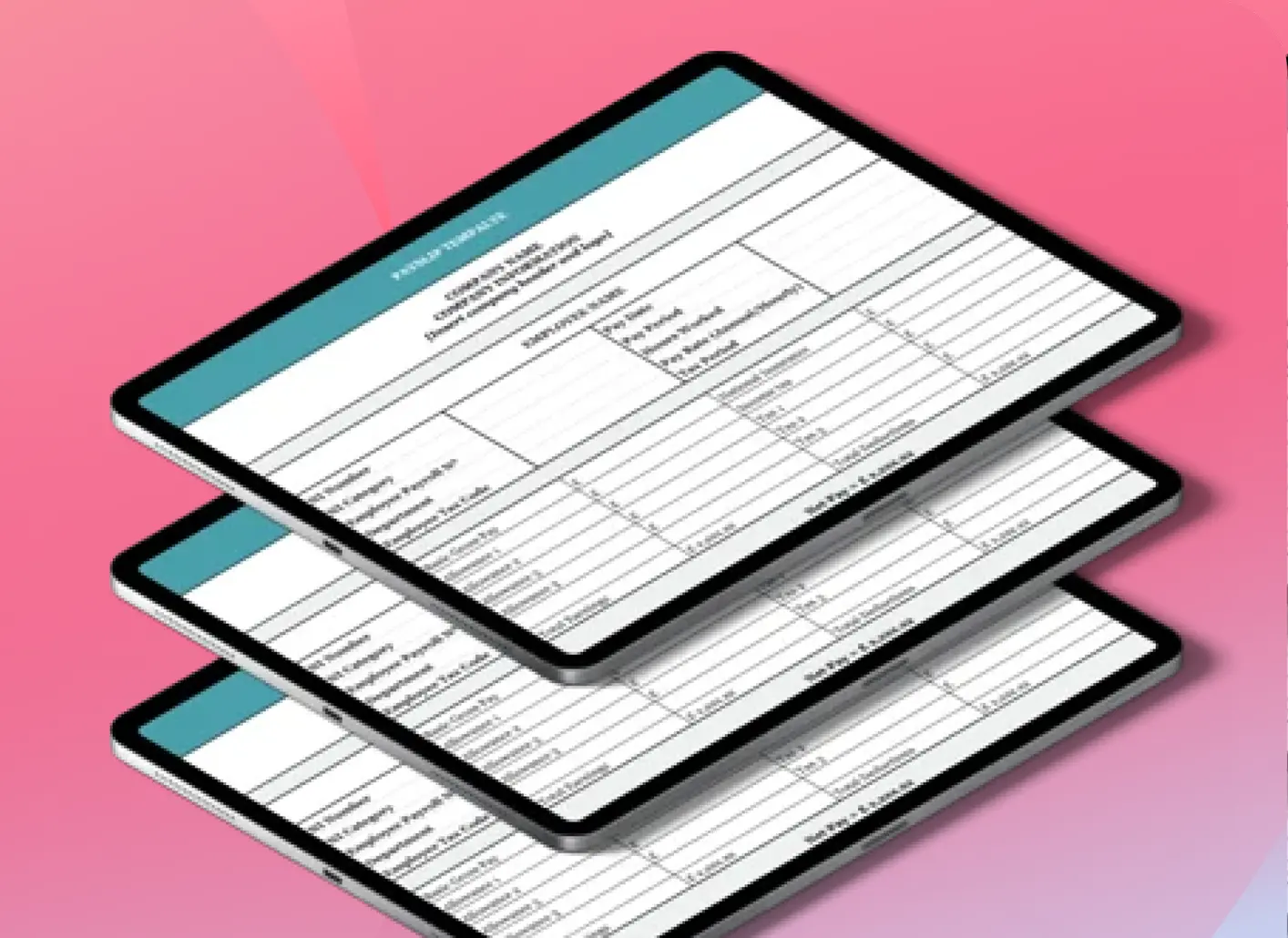
If you decide to run payroll manually by creating individual payslips for each employee, then we recommend using Factorial’s free payslip template to ensure you are including the right information. Our UK payslip template specifies all the different information which must be included to make the payslip legitimate.
For employers moving beyond spreadsheets, Factorial’s integrated payroll solution can centralise payroll documents and give staff controlled access to their payslips, which reduces repeat payroll queries without changing the employer’s legal responsibility.
Hire an accountant
If all this information is overwhelming you might be tempted to hire an accountant. Whilst this will reduce the risk of making errors and take up less of your Human Resources department’s time, the downside is it can significantly ramp up your costs.
Payroll software
The third option, which most companies tend to opt for, is using payroll and HR software. This is often the most scalable option because payroll software can calculate deductions, produce payslips and support RTI reporting from one payroll process.
Acas also notes that deductions must be clearly stated on a payslip, and retail shortage deductions are capped at 10% of weekly or monthly gross pay except in final wages.
Benefits of Using Software and Templates
Ultimately, whether you choose to manage your payslips manually, through an accountant or using software is up to you and your business needs. Although internal manual systems can initially seem like the cheaper option, there are a number of benefits and long-term gains if you choose to use payroll software and a payslip template:
- Using software and an online payslip template marks you as a modern employer and makes life easier for your company’s HR professionals.
- Payroll software ensures that payslip information is always up to date and that you have access to all payroll data at the click of a button.
- Using a payslip Excel template means you can create employee payslips simply, quickly and accurately.
- If you purchase software with a payslip download feature, such as Factorial’s integrated payroll solution, it allows you to generate personalised payroll reports when needed. It also means that each employee has their payslip explained clearly and they can access it from their mobiles as soon as it has been sent to them. No more issues with slow postal services or delays when the payroll manager is off work.
- Electronic payslips save your company money, especially if you are a large organisation. This includes labour costs, as well as the cost of printing and distribution. It also saves time so that your HR professionals can focus on more productive tasks such as supporting employees and increasing employee satisfaction within the company.
- Online payslips reduce paper handling and help payroll records take up less physical space.
- Factorial’s payslip feature guarantees the safety of personal data through its powerful encryption system and single access for each user.

FAQ
What is a payslip and what information does it contain?
A payslip is a summary of an employee’s earnings and deductions for a specific pay period. It must legally include gross pay (total before deductions), net pay (take-home amount), hours worked, and an itemised list of all deductions like tax, National Insurance, and pension contributions.
How to read and understand a payslip?
To understand your payslip, start with your gross pay, which is your total earnings before any deductions. Then, review the itemised deductions, such as tax and National Insurance, to see how they reduce your gross pay. The final figure, your net pay, is the amount you actually receive.
How is my payslip calculated?
Your payslip is calculated by starting with your gross pay for the period. Your employer then subtracts statutory deductions like income tax and National Insurance, plus any other deductions like pension contributions or student loan repayments. The remaining amount is your net pay, or take-home pay.
What is ni ee and ni er on payslip?
“NI EE” refers to the employee’s National Insurance contribution, which is deducted from your gross pay. “NI ER” is the employer’s National Insurance contribution, which your employer pays on top of your salary. Only the employee’s contribution (NI EE) affects your take-home pay.
What does minus mean on a payslip?
A minus sign on a payslip typically indicates a deduction from your gross pay, such as tax, National Insurance, or pension contributions. It can also represent a repayment you are making to the company, for instance, for a salary advance or to correct a previous overpayment.