Tracking working hours helps businesses monitor attendance, record overtime, and prepare payroll accurately. An employee timesheet provides a simple way to keep these records organised. In this guide, we’ll explain how timesheets work and how to get started with our free monthly timesheet template for businesses.
What is an employee timesheet?
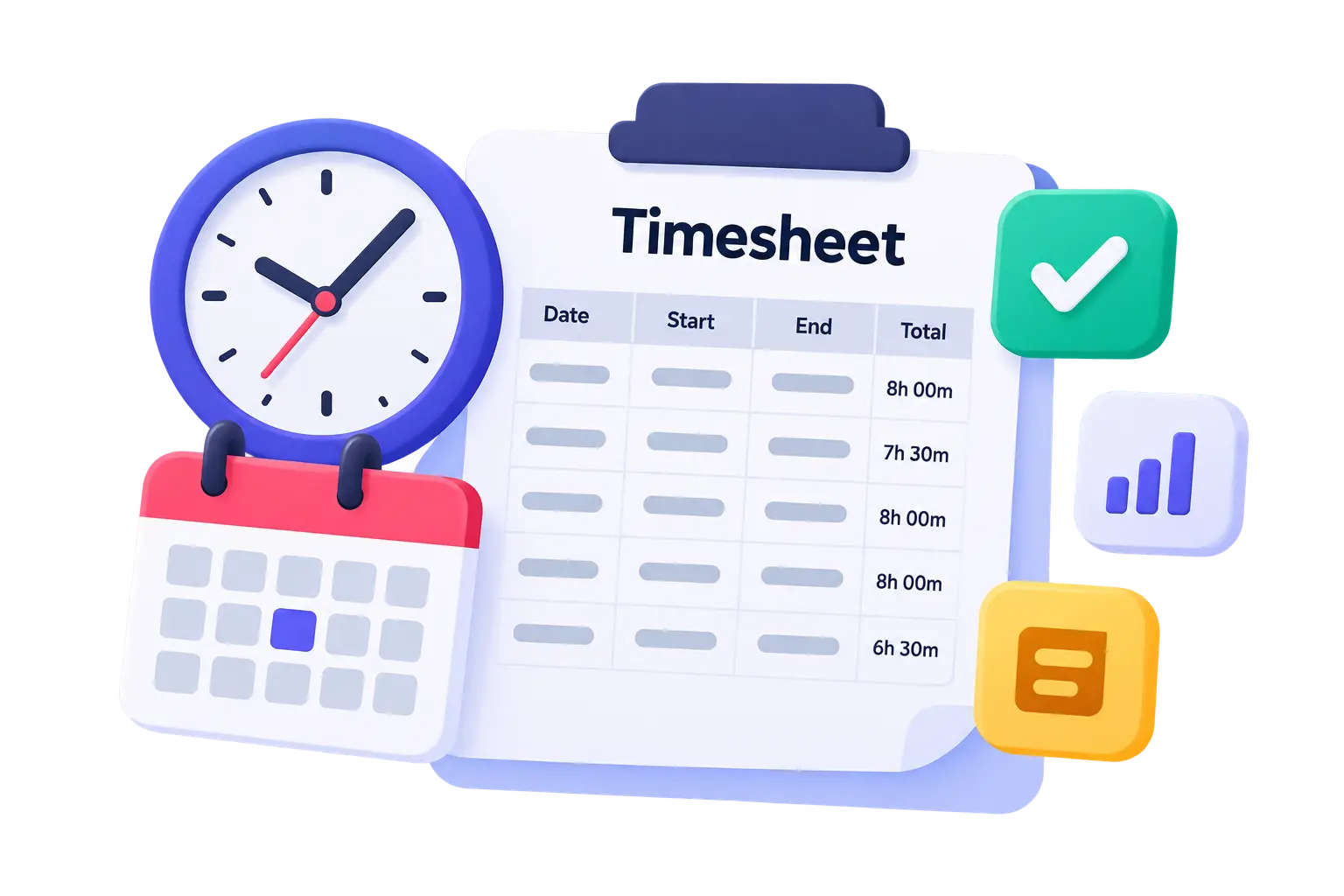
An employee timesheet is a record of the hours an employee works over a specific period, such as a day, week, or month. Depending on the business, it may include clock-in and clock-out times, breaks, total hours worked, and overtime.
Businesses can use timesheets to monitor attendance, support payroll calculations, and understand how working time is distributed across teams or projects.
Timesheets can be maintained using spreadsheets, paper forms, or digital time-tracking software.
Why is employee timesheet tracking important?
Keeping accurate timesheets helps HR teams and business owners:
- Prepare payroll: Recorded hours can help payroll teams check working time and identify overtime that may need to be accounted for.
- Monitor attendance: Timesheets make it easier to review working patterns, late arrivals, and absences.
- Keep reliable records: Consistent records help businesses respond to questions about hours worked and support applicable record-keeping obligations.
- Improve workforce planning: Understanding working hours can help managers allocate workloads and identify staffing needs.
For employers in South Africa, accurate working-time records are particularly important when managing ordinary hours and overtime under applicable employment legislation and employment agreements.
What should an employee timesheet include?
A useful employee timesheet should capture the information needed to record and review working hours accurately. Common fields include:
- Employee name and identification details used internally
- Department or job title
- Date worked
- Start and finish times
- Break duration
- Total hours worked
- Overtime hours, where applicable
- Employee and manager approval, where required
The exact fields will depend on your organisation’s working arrangements and payroll processes.

How to use an employee timesheet
Follow these simple steps to introduce timesheet tracking in your business.
1. Choose a timesheet format. Decide whether a daily, weekly, or monthly timesheet best suits your employees and payroll cycle.
2. Record working hours consistently. Employees should enter their hours accurately and follow your company’s time-recording procedures.
3. Review the entries. Managers or HR should check for missing entries, unusual totals, and discrepancies before the records are used for payroll.
4. Store records securely. Keep timesheets organised and accessible to authorised people who need them.
5. Review working patterns. Use the records to identify recurring attendance issues, overtime trends, or opportunities to improve workforce planning.
Download your free employee timesheet template
Want a simple way to start tracking employee working hours? Download Factorial’s free Employee Monthly Timesheet Template. Use the template to record working hours, calculate totals, and keep monthly timesheet records organised without starting from scratch.
Simplify time tracking with Factorial
Spreadsheets can be useful for businesses getting started, but managing timesheets manually can become harder as your workforce grows.
Factorial helps businesses manage HR processes through a centralised platform, including time tracking and attendance management. Instead of relying entirely on manual spreadsheets, your team can explore digital tools to organise working-time records and streamline HR workflows.
Want to see how it works? Book a demo with Factorial and discover how the platform can support your South African business.