Download Your 2026 Time Off Tracker Template
This resource is free! 🎉
Are you looking for a way to keep track of your team members' absences and vacations? Do you need to know which days they will be working from the office?
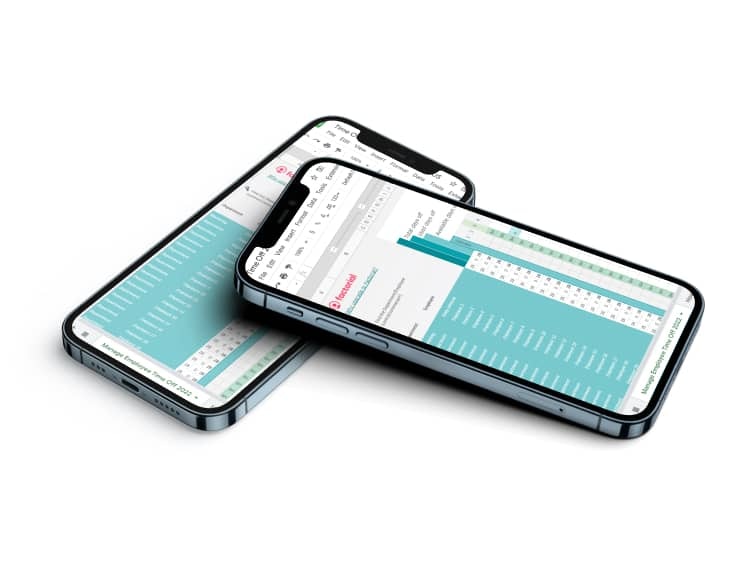
We have made a downloadable 2026 PTO tracker Excel template so you can manage absences and vacations for your entire team. It is completely customisable and adaptable to your company!
With this time off tracker template you can:
- Keep track of time off and vacation days
- Stay on top of employee leave Allowance
- Visualise which employees will be out of the office at any given time
- Track unpaid time off, maternity/paternity leave, and other absences
Make tracking time off a lot easier at your company with this template!

What is an Excel Time Off Tracker?
Keeping accurate records of employee time off can be a tedious task, especially if you manage a large workforce. Accurate data helps with payroll adjustments, while real-time visibility helps ensure you always have the necessary staff. Additionally, both state and federal regulations require proper timekeeping and recordkeeping.
With an Excel PTO tracker template, you can track paid hours, days off, and leave allowances while maintaining compliance. Beyond annual leave, an Excel PTO tracker can also be used to monitor sick leave, maternity leave, and other types of absences.
How to Track Time Off in Excel
Once you’ve downloaded our 2026 Excel time off tracker, you can start using it to manage and monitor all leave requests within your company. Our paid time off tracker is easy to use, and helps you accurately plan and track employee time off, ensuring your company remains productive at all times.
You can customise most Excel PTO trackers to fit your company’s specific needs. If you prefer to open the file with Google Sheets, you can do that too.
In addition to tracking paid leave, you can also use your Excel template to record unpaid time off, comp time, sick days, and work-from-home days. To make it clearer, we've suggested different colours to represent each type, and added South African national holidays.

Time Off Tracker Template Pros and Cons
Pros:
- Excel is included in the Microsoft Office suite which most companies use. No extra costs are involved (alternatively, Google sheets is free).
- Most employees have at least a basic understanding of Excel. This means it will be easy for your HR professionals to learn how to manage your PTO tracker template.
- It provides you with a clear record of an employee’s PTO allowance vs time taken off. This makes it easier to check their remaining allowance when they request PTO.
- It’s a basic system that allows you to manage paid time off for small teams.
Cons:
- Most employees have basic Excel skills. However, you still require a certain level of knowledge to create formulas.
- Excel documents cannot be edited by more than one person at a time. There is also a risk that spreadsheets can become unknowingly duplicated.
- Entering leave data manually can be tedious and time-consuming. The process is also open to human error.
- Time tracking software is a much more efficient and accurate solution for managing paid time off, and automatically syncs with payroll data.
- Requesting time off and approving PTO can be complicated and time-consuming compared to the benefits of using absence management software.
Digitise your leave management with Factorial
Our 2026 Excel PTO tracker can be a great solution for tracking paid time off in your company. However, digital solutions such as automated time-tracking software can further streamline and accelerate the process. These tools can also help manage holiday and leave requests – especially valuable in larger organisations, or companies that offer unlimited paid time off.
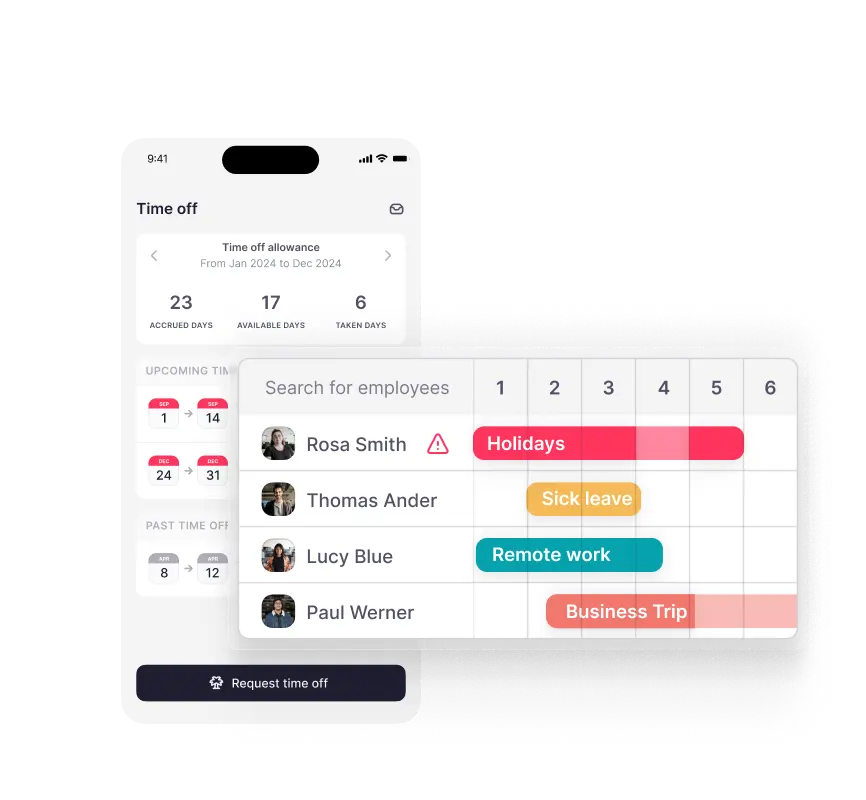
With the right software, such as Factorial’s time-off management system, you can simplify and centralise all your PTO processes. Employees can submit time-off requests directly to their managers, who can review and approve them online with ease. This provides a reliable, real-time record of all absences, making it much easier to understand, monitor, and manage the entire time-off process seamlessly.


Learn how to save time with Factorial.
Get in touch with a product specialist to understand how Factorial manages time off requests and employee leave.