
Updated
IT
Microsoft Outlook Calendar
Keep Outlook calendars in sync with approved time off in Factorial.


What is Microsoft Outlook Calendar?
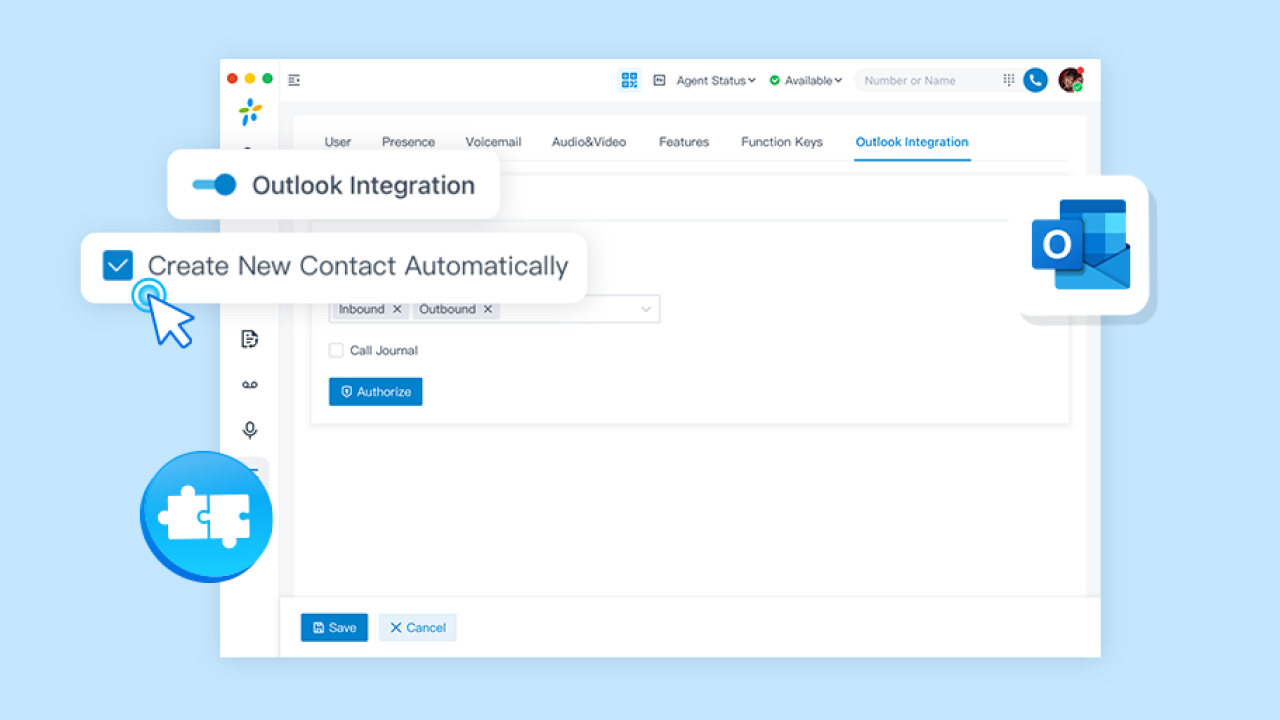
The Microsoft Outlook Calendar integration adds your employees' approved time off from Factorial to their Outlook calendars. Factorial stays the single source of truth: when a leave is approved, changed or cancelled in Factorial, Outlook is updated automatically. Your teams can check who is away in the tool they already use every day.
Benefits
- No manual updates: approved leaves appear in Outlook on their own, and any edit or cancellation in Factorial is reflected there too.
- Clear availability: absences show as Out of office, or as Working elsewhere for leave types that count as working time, so it's easy to see when someone is away before planning work or meetings.
- You decide what syncs: choose which leave types are added to Outlook, and exclude specific employees if needed.
- Fewer conflicts: optionally decline meetings that overlap with a leave, so organizers know the employee is away. Meetings are never declined for leaves that count as working time.
- Privacy built in: for leave types with "Show this absence type on calendars" turned off in Factorial, the event only says "Out of office", without the leave type, and is marked private.
- Existing leaves included: when you connect, you can add the approved leaves that already exist, from the start of this month or this year, or only upcoming ones.
- Secure connection: connects through Microsoft's official admin consent and Microsoft Graph. No passwords are shared.
Good to know
- Matched by work email: each employee's leaves go to the Outlook mailbox with the same email as their work email in Factorial. Employees without a matching Microsoft mailbox are skipped.
- Full days and partial days: full-day leaves appear as all-day events. Half days appear as the morning (8:00–12:00) or the afternoon (12:00–17:00), and hourly leaves with their times, in the employee's Outlook time zone. Leaves with no end date appear as "until further notice".
- No reminders: events have no reminders, carry a "Factorial" category and link to the employee's time off in Factorial.
- Moving from the previous Outlook integration: your leave types and decline setting are filled in for you, and events it already created keep updating, without duplicates. Your Microsoft administrator approves the new app once.
- Uninstalling: you can choose to remove upcoming leave events from Outlook. Past events are always kept.
Permissions
- In Factorial (read only):
- Employees
- Time off
- In Microsoft:
- Create and update events in employees’ calendars.
- Read employees’ mailbox time zone and language.
A Microsoft administrator approves these permissions once for the whole organization.
Similar integrations
 Microsoft Power BISynchronize company data with Power BI for interactive and live insights.
 ZapierAutomate app data transfer, improving efficiency and reducing errors.
 Apple CalendarSynchronize approved employee time-off and company events efficiently.
 UpdatedSlackUnlock productivity by performing tasks directly in your messenger.
 Microsoft AzureSimplify your login process, keep user data up-to-date, and boost security.
 WhatsAppTalk to people through WhatsApp.